
BIP-39 & SLIP-39
Purpose-built for cryptocurrency seed phrases and recovery shares. Trezor Suite now backs up new wallets with a 20-word SLIP-39 phrase by default — seQRets speaks SLIP-39, so you can protect that backup exactly like a seed phrase, and it validates both formats automatically before you split.
- Real-time BIP-39 validation — catches typos and transcription errors before you split
- Supports 12, 15, 18, 21, and 24-word BIP-39 seed phrases
- SLIP-39 detection — Trezor-style recovery shares (20 or 33 words, including multi-share sets) are recognized and checksum-validated on entry and on restore, so a mistyped word is caught before encryption
- SeedQR output for direct hardware-wallet import (Jade, Coldcard, Trezor)
- Restores show a numbered word grid — for both BIP-39 and SLIP-39 — so you can type the phrase back into a hardware wallet without losing your place
- Master fingerprint shown beside each SeedQR so you can verify the correct seed loaded into your wallet
- BIP-39 validation via @scure/bip39; XFP derivation via @scure/bip32 (both audited)
- XFP format: 8 uppercase hex chars (e.g., 73C5DA0A), derived from the master public key — no seed exposure
- Caveat: the on-device XFP will differ if you apply a BIP-39 passphrase at wallet-import time
- SLIP-39 detection is validation-only (RS1024 checksum) — a zero-dependency module embedding the official 1024-word list, verified against all 45 SatoshiLabs test vectors. seQRets validates and protects SLIP-39 shares; it does not generate, split, or combine them — your wallet does that.
- SLIP-39 phrases are stored as plain text rather than converted to entropy (preserving each share's metadata); no SeedQR is offered, as SeedQR is a BIP-39-only format
Secure Any Secret
Not just crypto. Passwords, API keys, legal documents, account credentials, private notes — if it's sensitive, seQRets can encrypt and split it into shares that no single person can read alone.
- The same encryption used in Signal and WireGuard (XChaCha20-Poly1305 + Argon2id)
- Optional keyfile adds a second factor — defeats keyloggers and weak passwords
- Fully offline. No server, no account, no telemetry
- Clipboard auto-clears 60 seconds after copy
- XChaCha20-Poly1305 AEAD: 256-bit key, 192-bit random nonce
- Argon2id KDF: 64 MB memory, 4 iterations, 16-byte random salt (password ‖ keyfile input)
- Optional keyfile adds up to 256 bits of entropy — concatenated with password before key derivation
- Installable as a Progressive Web App — service worker caches all assets for true offline use after first load
Smart Card Support
Store shares on JCOP smart cards for durable, tamper-evident physical security. Insert your card into the USB reader to back up or restore.
- Read and write shares over a USB card reader
- Tamper-evident design reveals physical compromise
- Survives water, dust, and everyday wear
- Portable USB card reader included with bundles
- JCOP-based dual-interface Java Cards; the desktop app uses the contact interface (ISO 7816) via a USB reader (NFC not yet supported)
- GlobalPlatform 2.3+ compatible — seQRets applet pre-installed on branded cards
- Desktop app communicates via standard USB CCID readers (contact mode)
- PIN-protected with wipe-after-5-attempts; optional wipe protection flag prevents factory reset on lockout
Requires Desktop — see the Shop.
Inheritance Planning
Document every secret, assign assets to beneficiaries, and plan for incapacitation — all in one encrypted plan.
- Multiple seQRet Sets — capture every secret in one plan
- Live restore countdown — heirs see '2 of 3 added' as they scan, no need to remember the threshold
- Beneficiaries and emergency contacts — who gets what, and what happens if you're incapacitated
- Edit, re-encrypt, or export a printable PDF for heirs
- Automatic review reminders so your plan never goes stale
- Plan schema v5 with backward-compatible migration — older plans auto-upgrade on decryption
- Review reminders use a local sidecar file storing only a future date — zero plan contents, zero identifiers
- Reminder cadence: 6, 12, or 24 months; home-tab banner + nav badge + optional OS notification
- PDF export uses dynamic section numbering — empty sections are skipped, no gaps
Requires Desktop — see the Shop.
Bob — AI Assistant
Meet Bob, your built-in security guide. Bob helps you understand encryption concepts, plan your secret management strategy, and make informed decisions — without ever seeing your secrets.
- Explains security concepts in plain language
- Suggests share distribution and threshold strategies
- Helps plan inheritance and recovery scenarios
- Optional — bring your own Google Gemini key, disconnect anytime
- Your questions are sent directly to Google's Gemini API — no middleman, no seQRets server
- Desktop: API key stored in the OS keychain (macOS Keychain / Windows Credential Store)
- Web: key stored in localStorage with an optional "Remember this key" toggle — unchecked = session-only
- No secret data, share data, or plan contents are ever included in any request
Desktop App
Ready to Go Pro?
Everything in the free web app, plus smart card integration, an in-app inheritance plan builder, code signing, and automatic updates — built natively with Rust and Tauri.
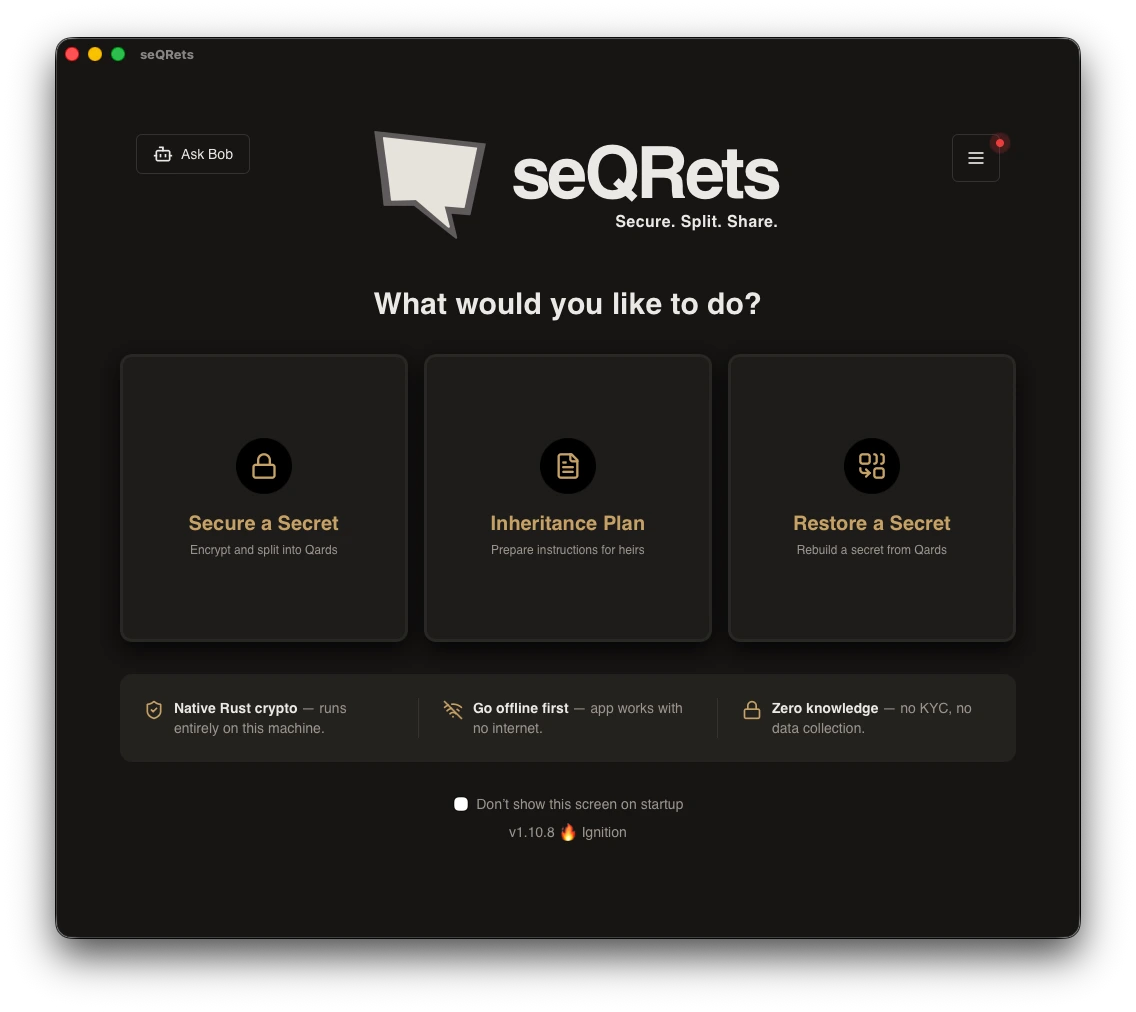
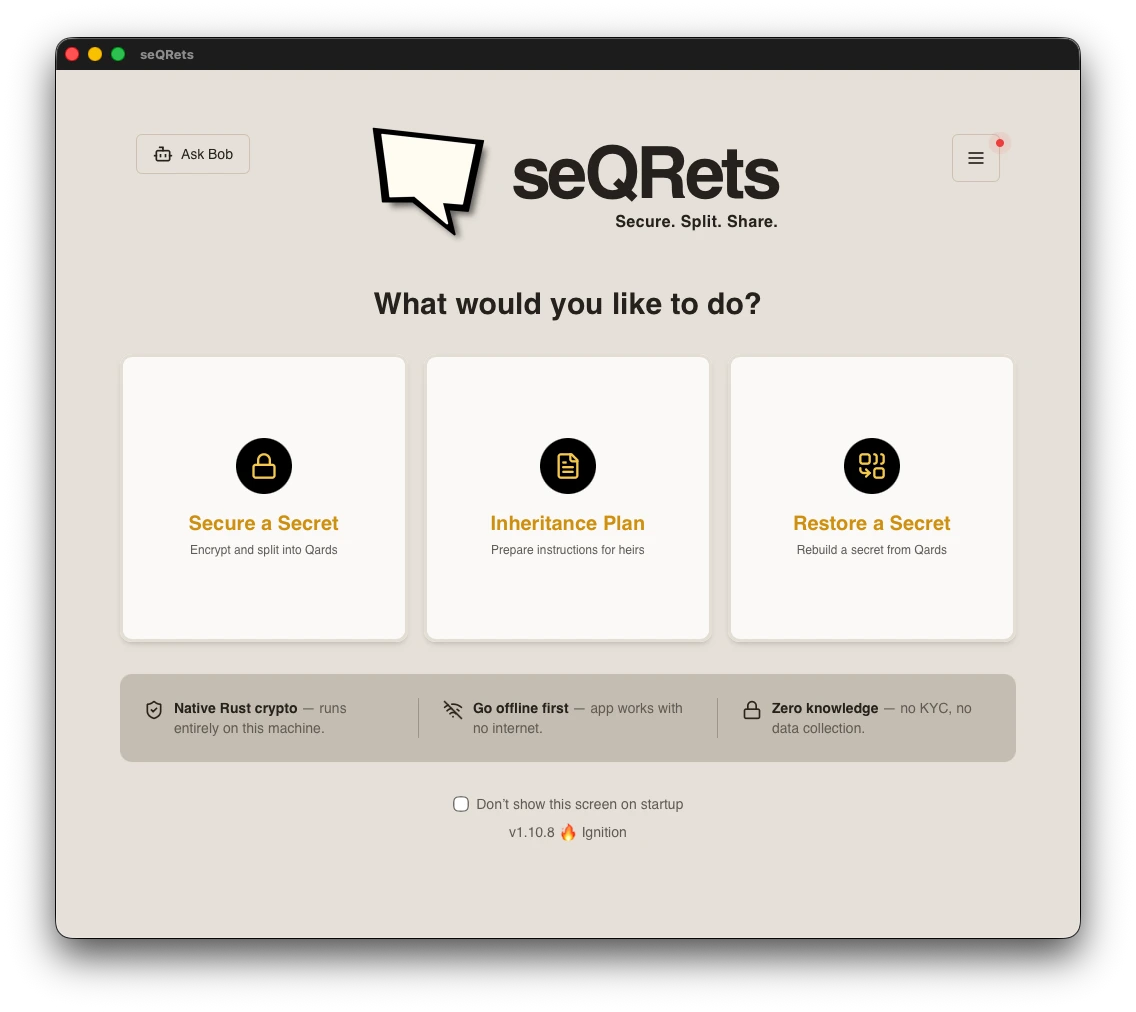
One-time purchase. No subscription. Yours forever.
A code-signed desktop app with automatic updates, smart card support, and a portable USB reader — all included. The source code is always free under AGPLv3.