How It Works
A Closer Look at seQRets
Walk through each feature of the app — from encrypting your first secret to distributing smart cards for inheritance planning.
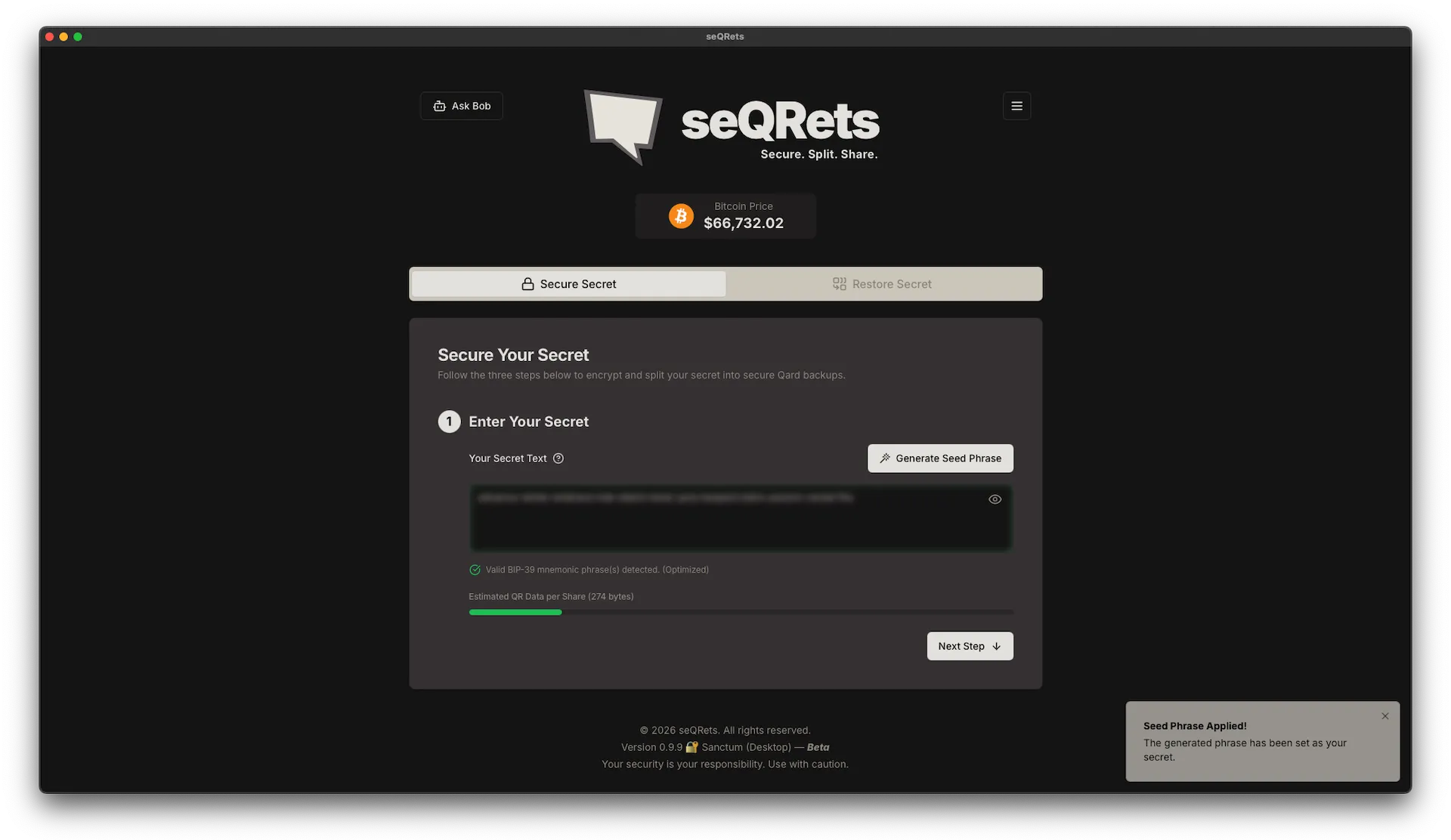
Secure Secrets
Encrypt any secret — passwords, seed phrases, private keys — using military-grade XChaCha20-Poly1305 with Argon2id key derivation. Everything happens locally on your device.
- 1Enter or paste your secret into the app
- 2Set a strong passphrase to protect it
- 3The secret is encrypted instantly on your device
- 4Choose how many Qards (shares) to create and the threshold needed to restore
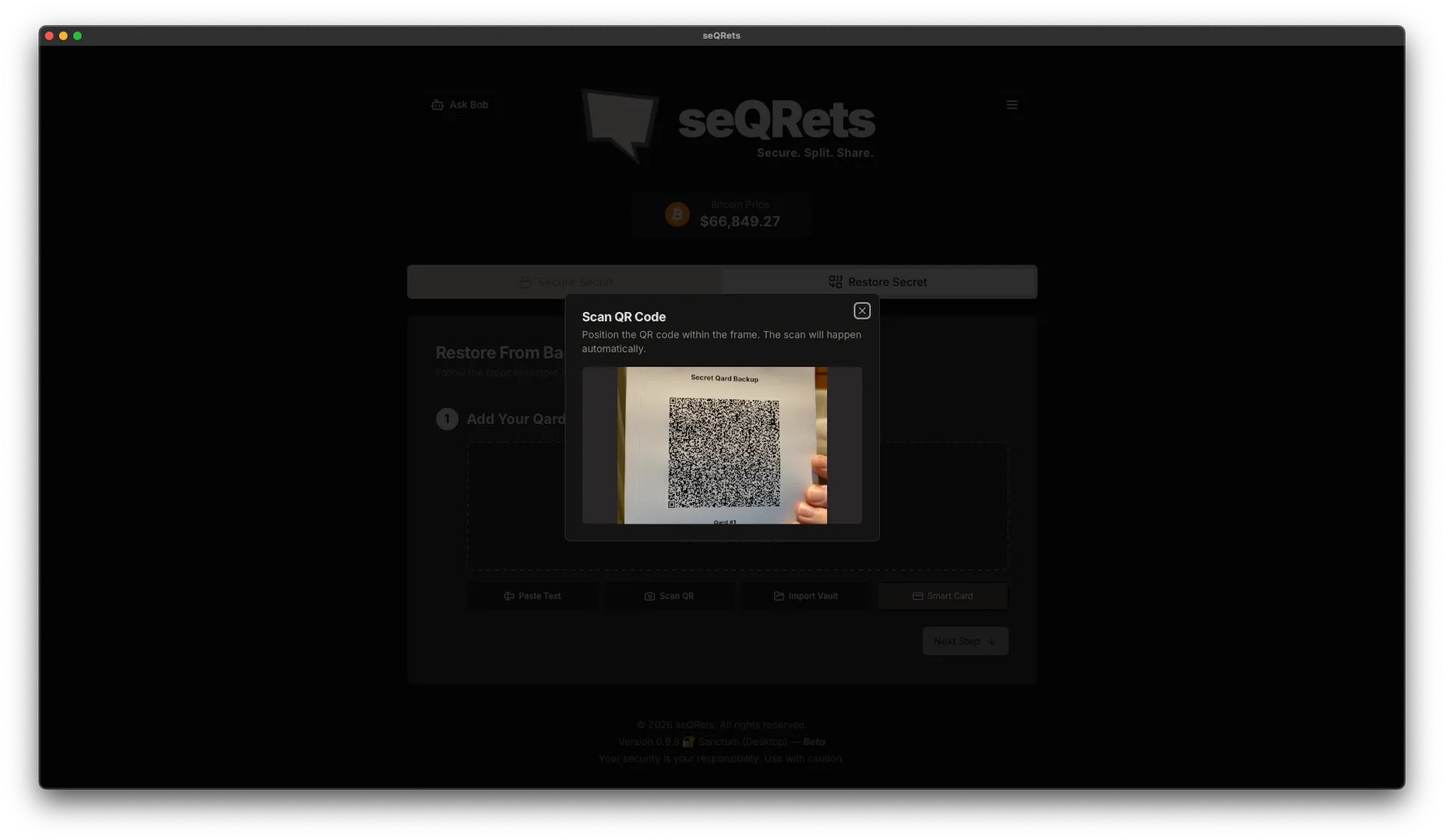
Restore Secrets
When you need your secret back, scan the required number of Qards using your device's camera. The app reconstructs and decrypts your secret locally.
- 1Open the restore flow and scan your Qards one by one
- 2(v1.11+ Qards) The app shows a per-set live countdown — "Set [ID] — 2 of 3 added · 1 more Qard required" — so heirs always know how many remain, even decades later when they may not remember the threshold
- 3Once the threshold is met, decryption begins automatically
- 4Enter your passphrase to unlock the secret
- 5Your restored secret is displayed — copy it and clear when done (clipboard auto-clears after 60 seconds)
- 6For BIP-39 seed phrases, a QR reveal dialog offers a SeedQR tab (default) for direct hardware-wallet import — blur-by-default, view-only, with a BIP-32 master fingerprint shown beneath so you can verify the scan against your hardware wallet
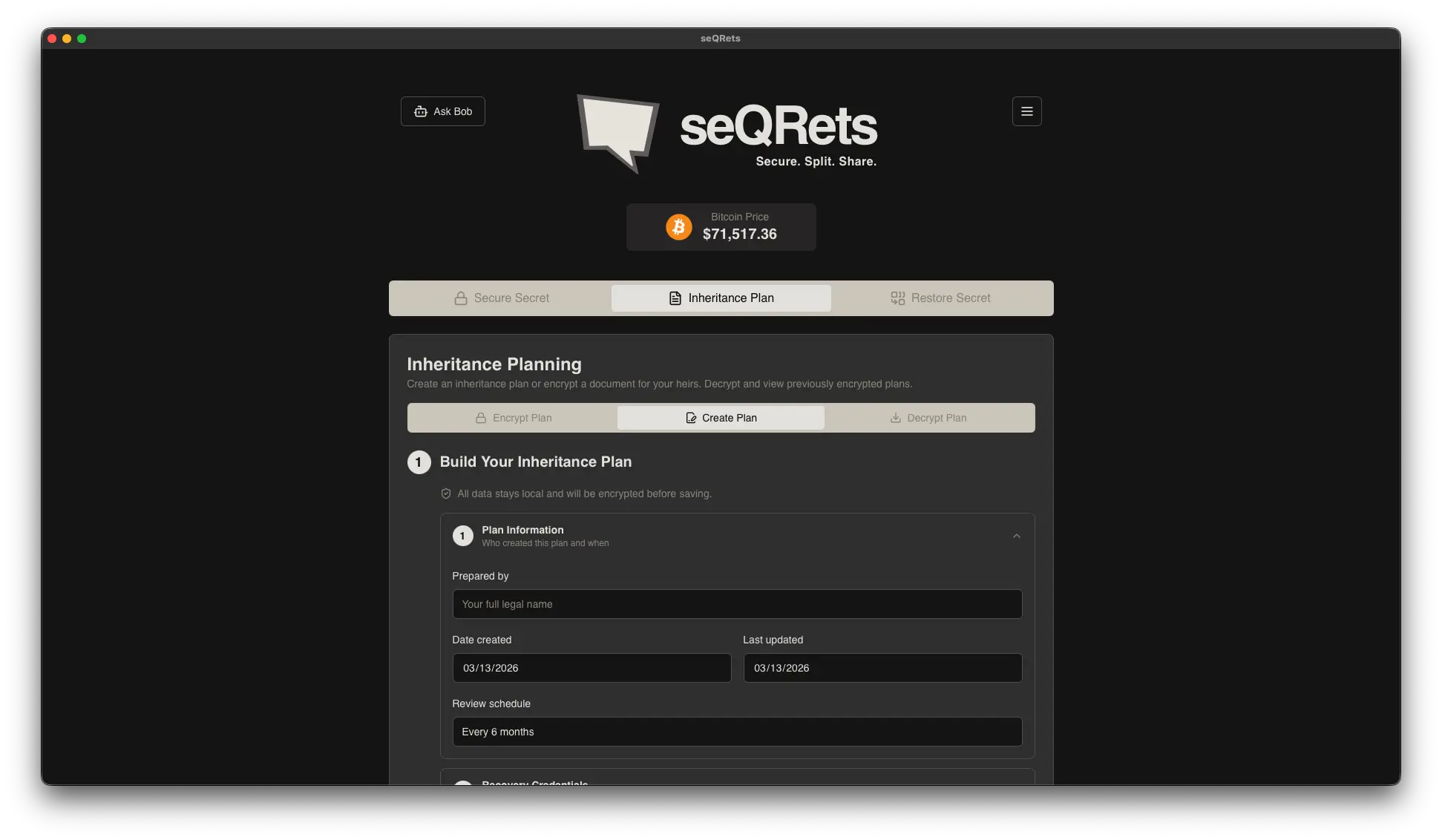
Inheritance Plans
Distribute Qards to trusted family members or store them in secure locations. If something happens to you, your loved ones can reconstruct your secrets together.
- 1Create a secret with a higher share count (e.g. 5 shares, 3 needed)
- 2Distribute Qards to trusted people or safe locations
- 3Include instructions for your beneficiaries
- 4They combine their Qards to restore access when needed
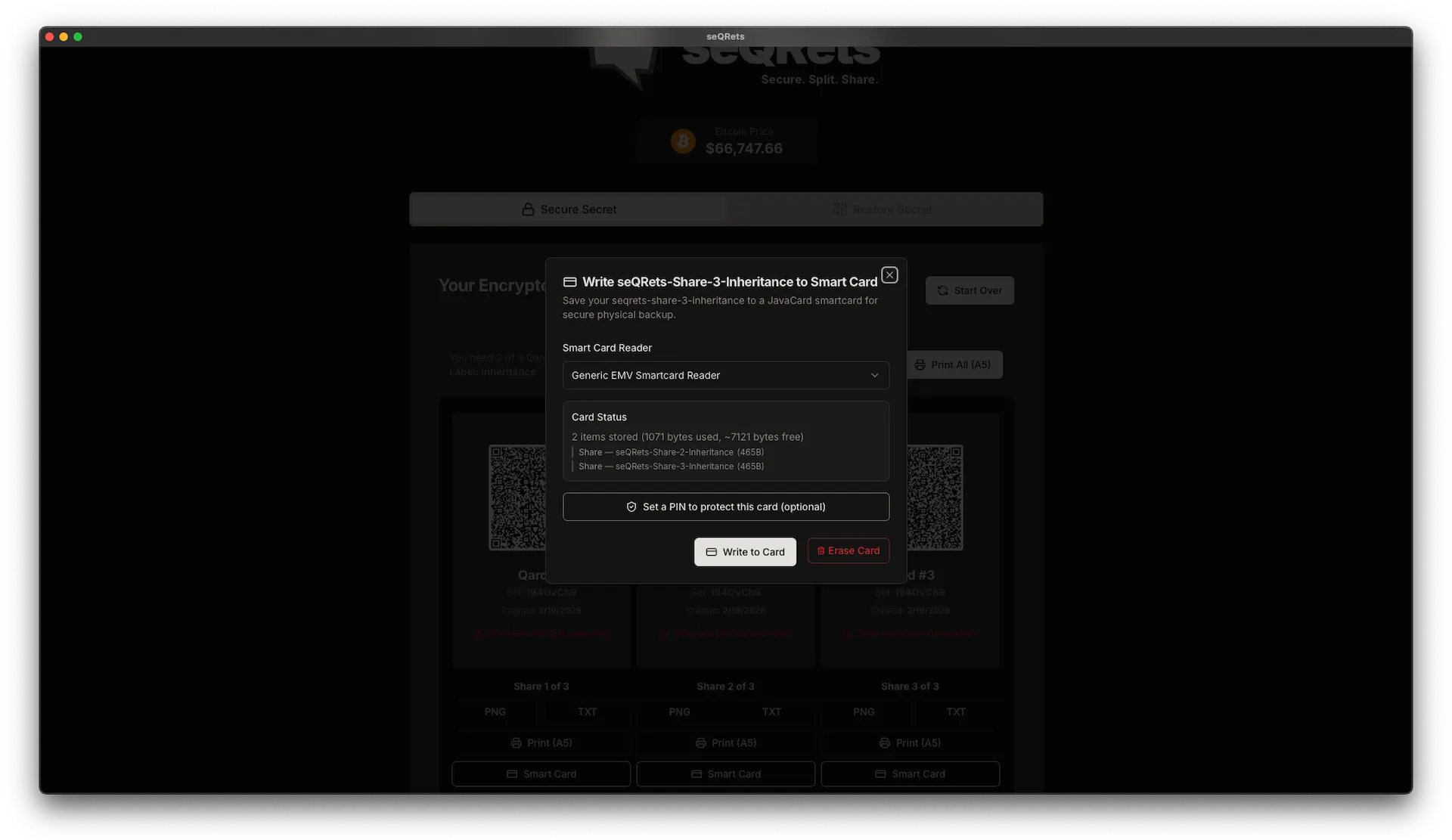
Smart Card Function
The Desktop app supports writing Qards directly to JCOP smart cards — physical, tamper-evident storage that fits in your wallet. Available exclusively in the Desktop edition.
- 1Connect a USB smart card reader to your computer
- 2Write individual Qards to a card over the reader (contact mode)
- 3Cards are portable, durable, and offline by nature
- 4Read cards back anytime to restore your secrets
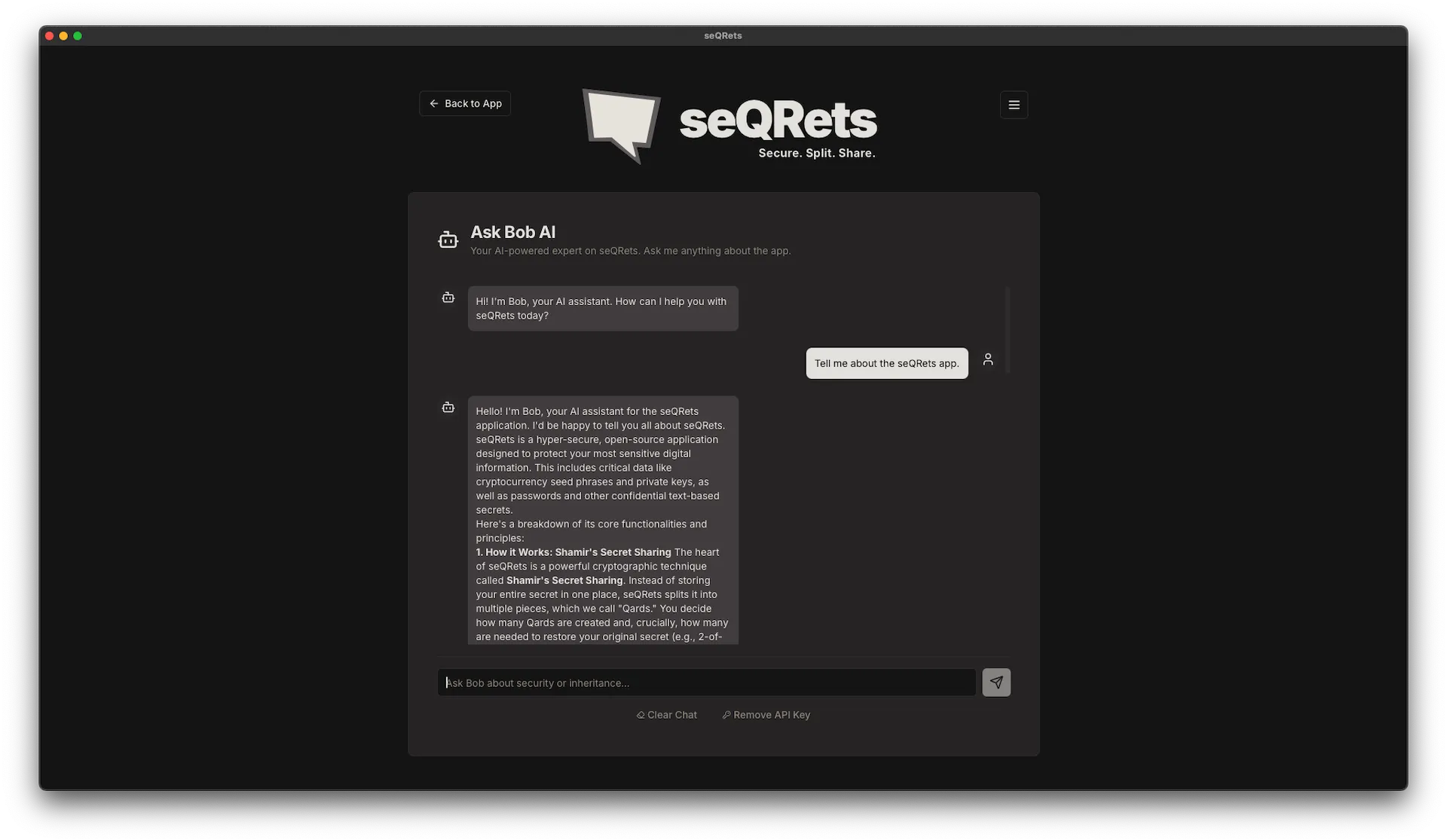
Ask Bob AI Assistant
Bob AI Assistant — Google Gemini-powered AI for application and inheritance setup guidance and questions (optional, user-provided API key). Can be disconnected at any time by removing the API key from within the chat interface.
- 1Open the Bob AI chat from within the app
- 2Enter your own Google Gemini API key to activate
- 3Ask questions about secrets, inheritance plans, or app features
- 4Remove your API key anytime to disconnect the assistant
seQRets Recover
seQRets Recover is a separate, single-file recovery tool for the seQRets share format. One HTML file with a ~400-line crypto core, no install, no network. Open it in any modern browser, paste your Qards in, enter your password, and your secret comes back. It uses the same audited cryptographic primitives as the main app (XChaCha20-Poly1305, Argon2id, Shamir's Secret Sharing).
Save a copy of recover.html alongside your Qards. Anyone holding the threshold of Qards plus the password can recover the secret with nothing but a web browser — no installation, no account, no dependency on this project still being around. It's a quiet architectural guarantee: the share format is open, and a reference implementation lives in its own repo with its own release chain.
Verify your download
Every release publishes a SHA-256 hash so you can verify a copy received through an untrusted channel before using it with real credentials.
shasum -a 256 recover.htmlCompare against the hash published on the latest release page.